# How to Stake SEEK
Using Talisman gives you the ability to stake SEEK seamlessly using the [Talisman DeFi Portal](https://docs.talisman.xyz/talisman/introduction/talisman-portal).
1. Open up your Talisman popup, and click the “Staking” icon. .\

Alternatively, you can go directly to app.talisman.xyz/staking to access the staking dashboard.
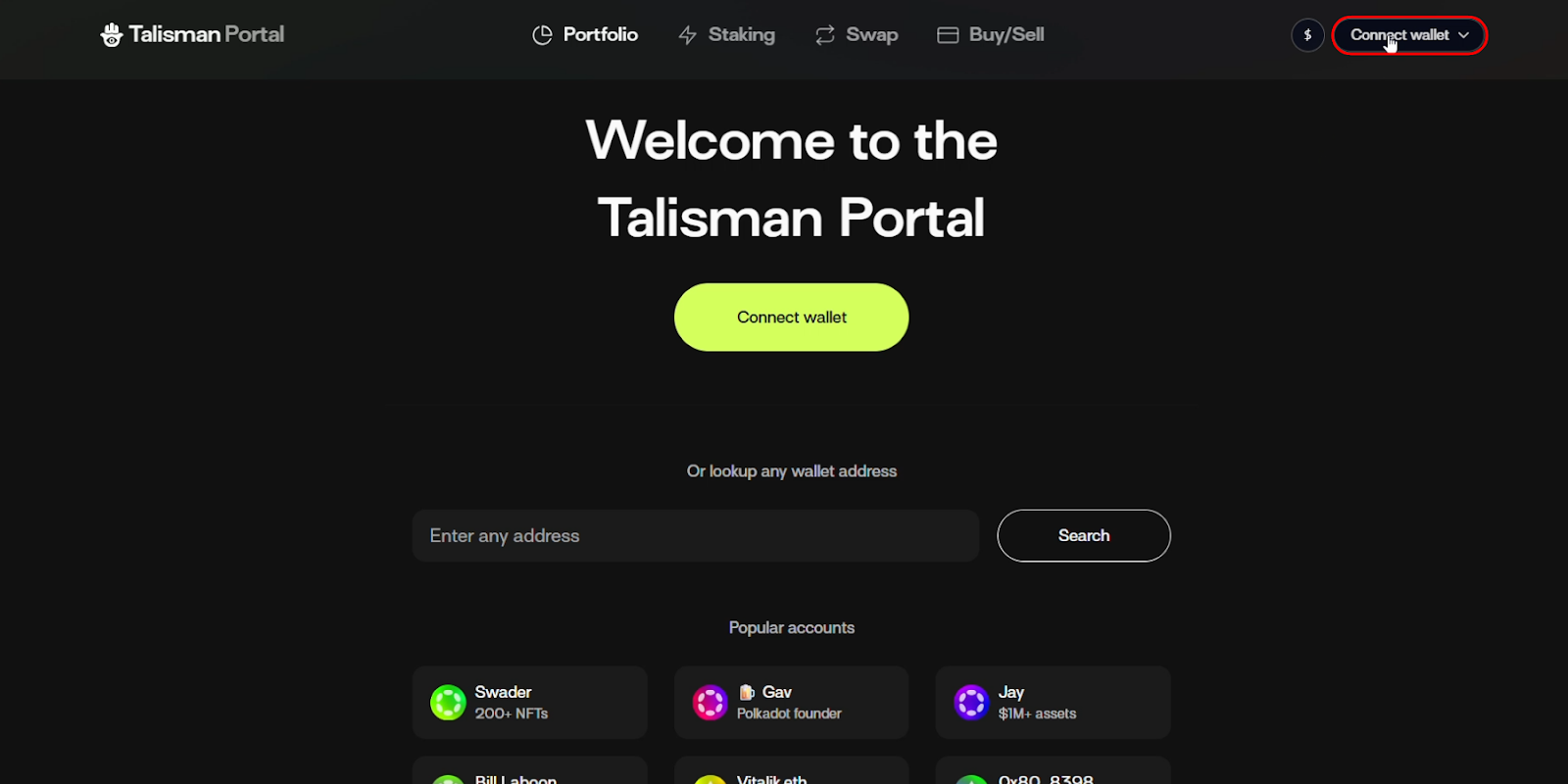
2. You should now be redirected the Talisman DeFi Portal.
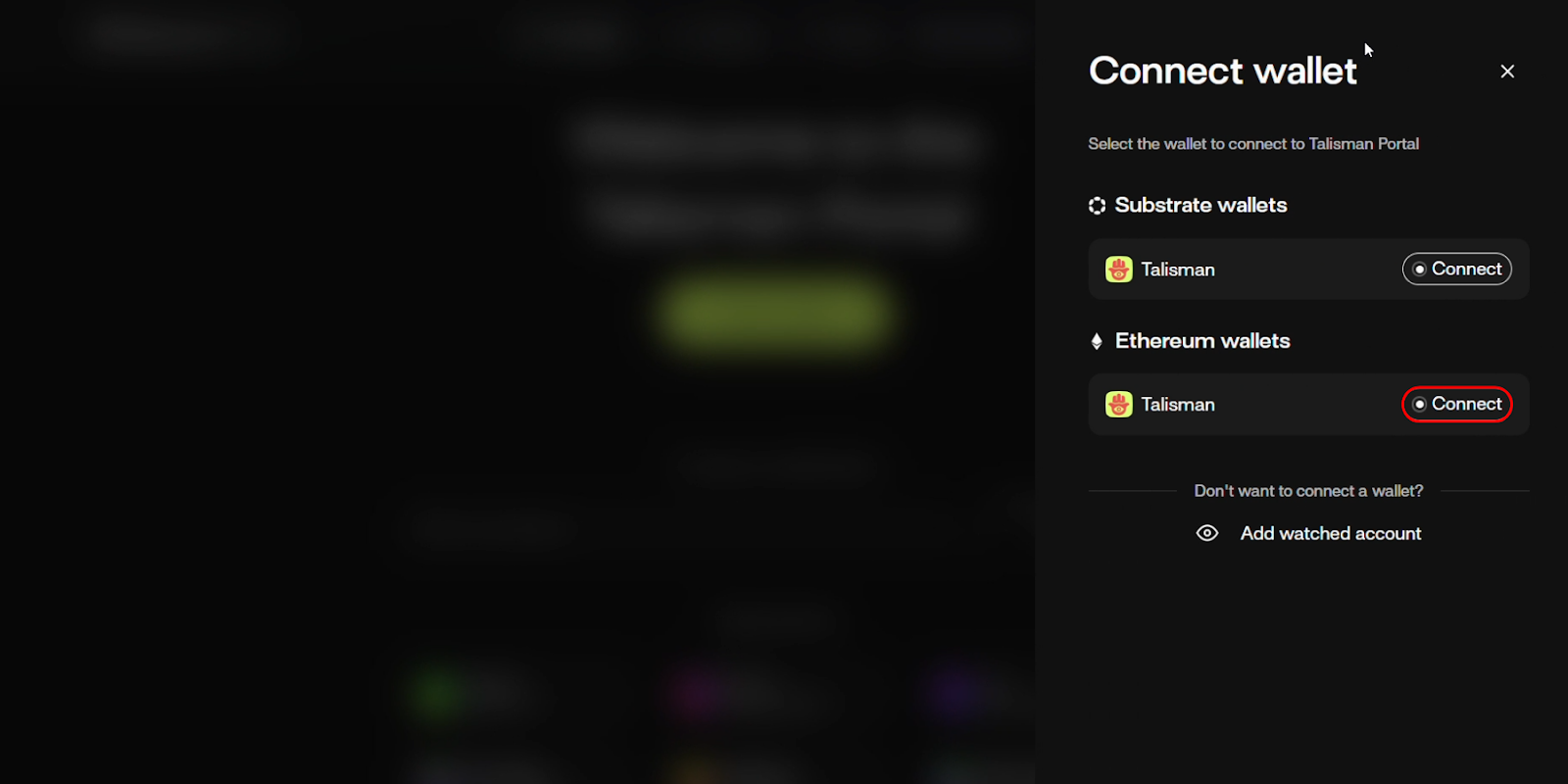
Connect an Ethereum account via the wallet connector on the top right corner.
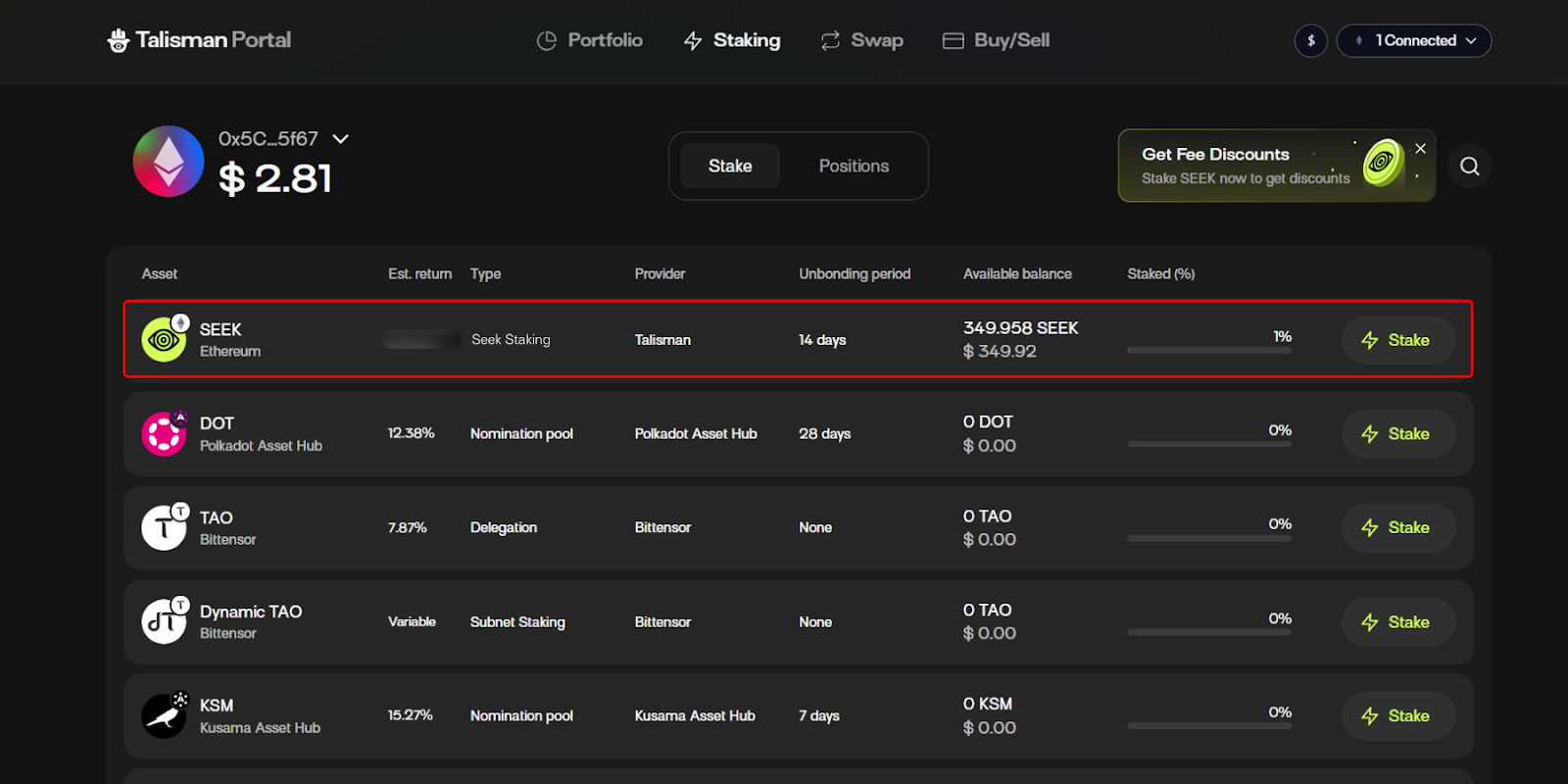
3\. From the dashboard, you can choose one of our supported assets to stake. We'll be staking our SEEK tokens. Select “Stake”
4\. Now you will be shown a staking drawer where you will be able to select:
* Which account you want to stake from
* The amount of the asset to stake
Once your choice is made, you will be prompted to approve two transactions.
a. Click the “Approve Spend” button.
\
\
You will be prompted to approve the transaction in your Talisman Wallet.

b. Thereafter, click “Stake”.

Once again, you'll be prompted to approve this transaction in your Talisman Wallet.

#### **Positions**
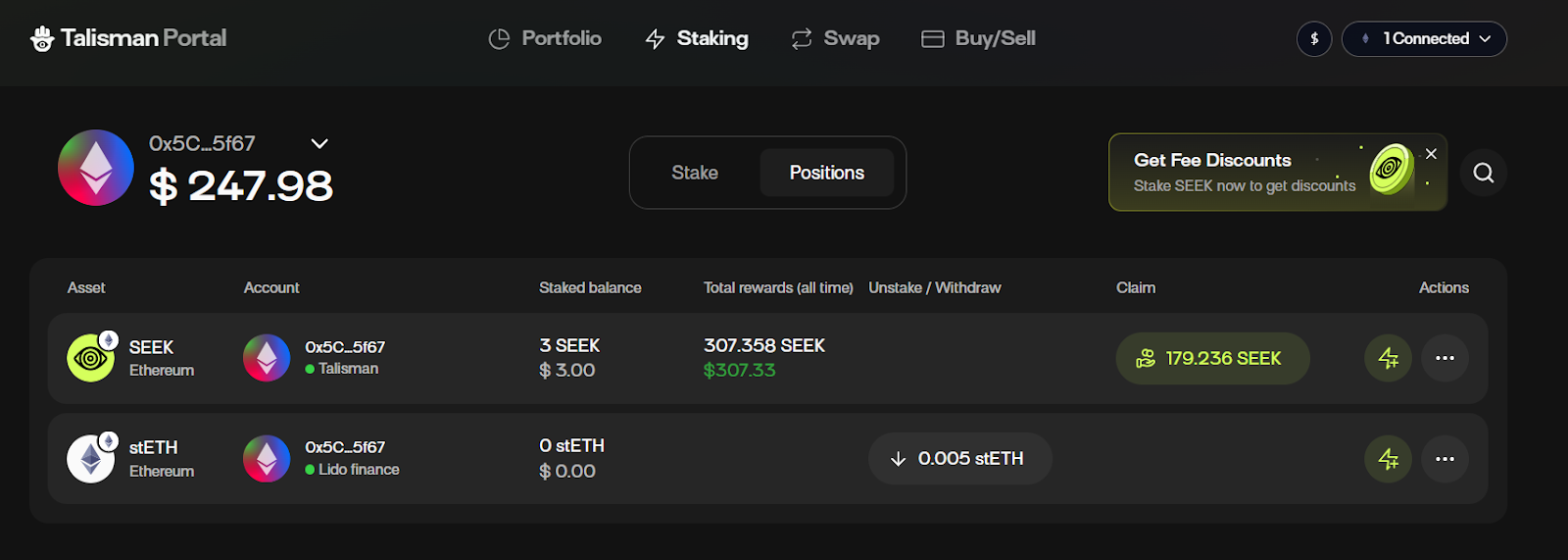
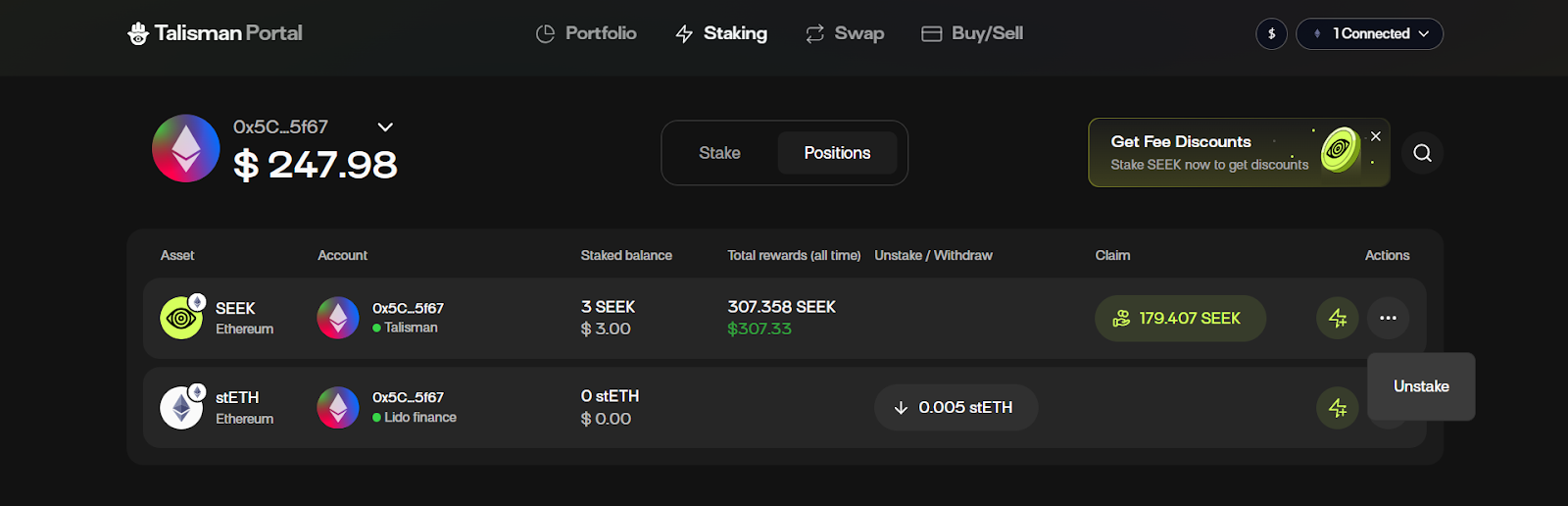
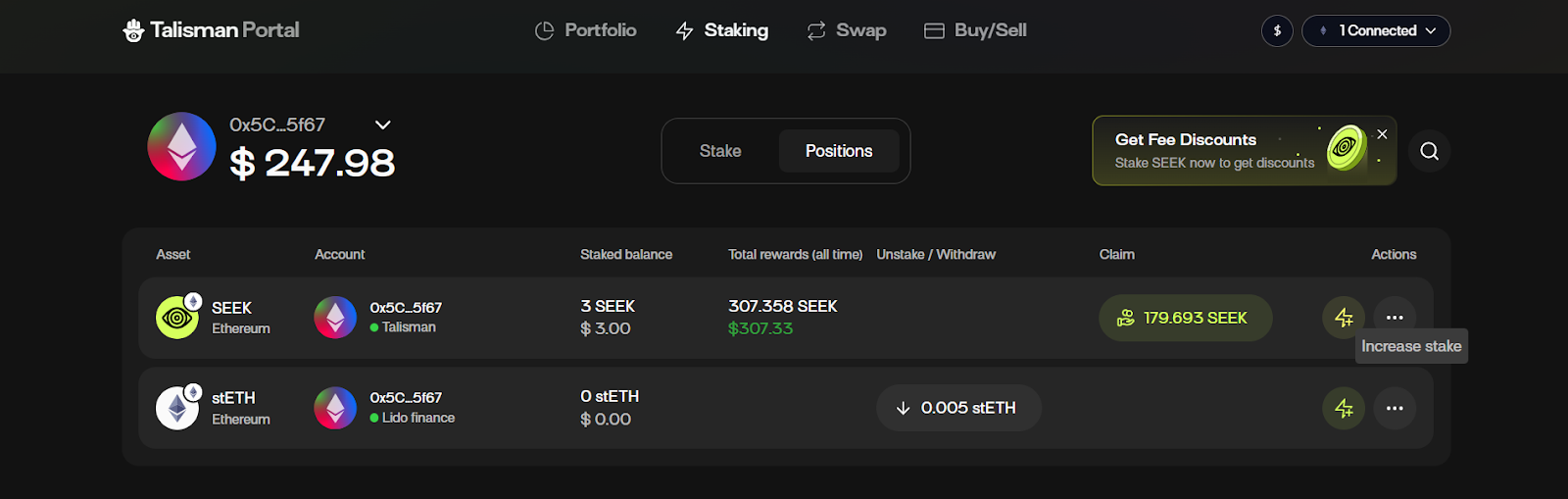
With Talisman, you can view your current staked positions by navigating to the ”Positions” button on the staking dashboard.
Via your Positions Dashboard, you have the ability to perform various actions like increasing the amount you want to stake or unstaking, for more details on those actions, you can follow the Talisman DeFi portal staking guide [here](https://docs.talisman.xyz/talisman/introduction/talisman-portal/talisman-staking-and-delegation).