> For the complete documentation index, see [llms.txt](https://docs.talisman.xyz/talisman/llms.txt). Markdown versions of documentation pages are available by appending `.md` to page URLs; this page is available as [Markdown](https://docs.talisman.xyz/talisman/introduction/talisman-portal/portal-feature-highlights.md).
# Portal Feature Highlights
An introduction to the Talisman DeFi Portal
The portal is a powerful tool that allows you to connect accounts from multiple browser extensions and even add "watched" addresses. [Watched accounts](https://docs.talisman.xyz/talisman/start/importing-existing-accounts/watched-only-accounts) can be added at the bottom of the account selection dropdown menu. You can also view accounts directly by pasting the address into the search bar.
\
By default, all portfolio subcategories will gather data from all accounts connected. If you want to narrow it down to a specified account you need to select this account manually in the account selection menu. Here is a brief explanation of the Talisman Portal features:
#### Portfolio
Portfolio enables you to view all your fungible tokens across all chains, including your portfolio allocations, NFTs, and staking positions.
{% tabs %}
{% tab title="Overview" %}
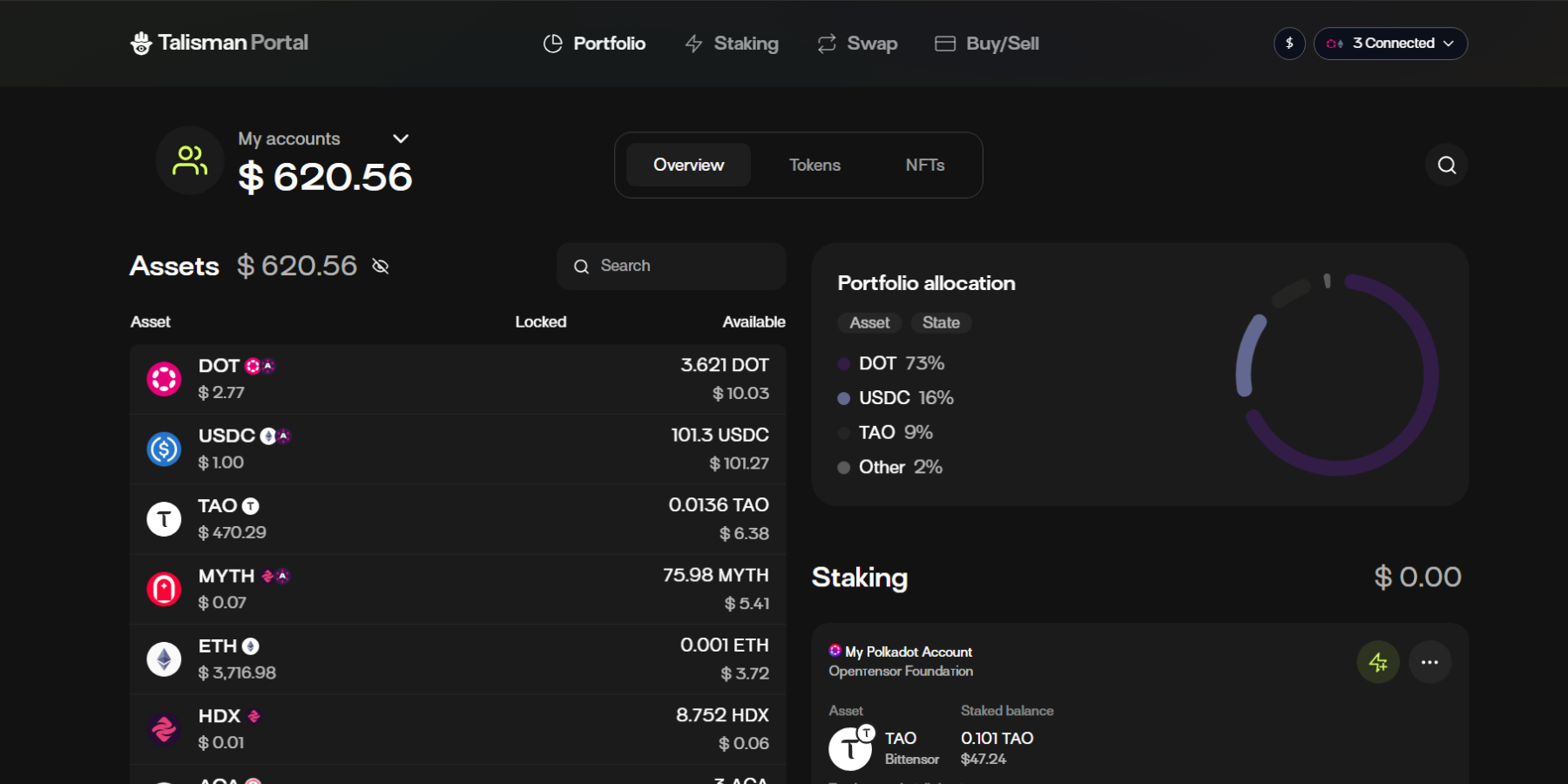
The landing page for the Portal is the full portfolio overview.\
\
**Assets**\
This is a list of all of the assets that are in the accounts that are connected through your wallet or watched in the Portal.\
\
**Portfolio Allocation**\
This pie chart will visualize how your holdings are distributed. This can be toggled to switch between the asset and state mode. Just click the pill shaped buttons.\
\
In asset mode it will show the distribution by token type while the state mode will show which percentage of your holdings is in the "available", "reserved" and "locked" state.\
 \
\
**Staking**\
The staking section shows the value of your staked assets. It groups the account you staked with the pool you selected. In addition to the total value of the staked value you can also keep track of the rewards that are ready for you to claim without having to visit a dedicated staking dashboard.
{% endtab %}
{% tab title="Tokens" %}
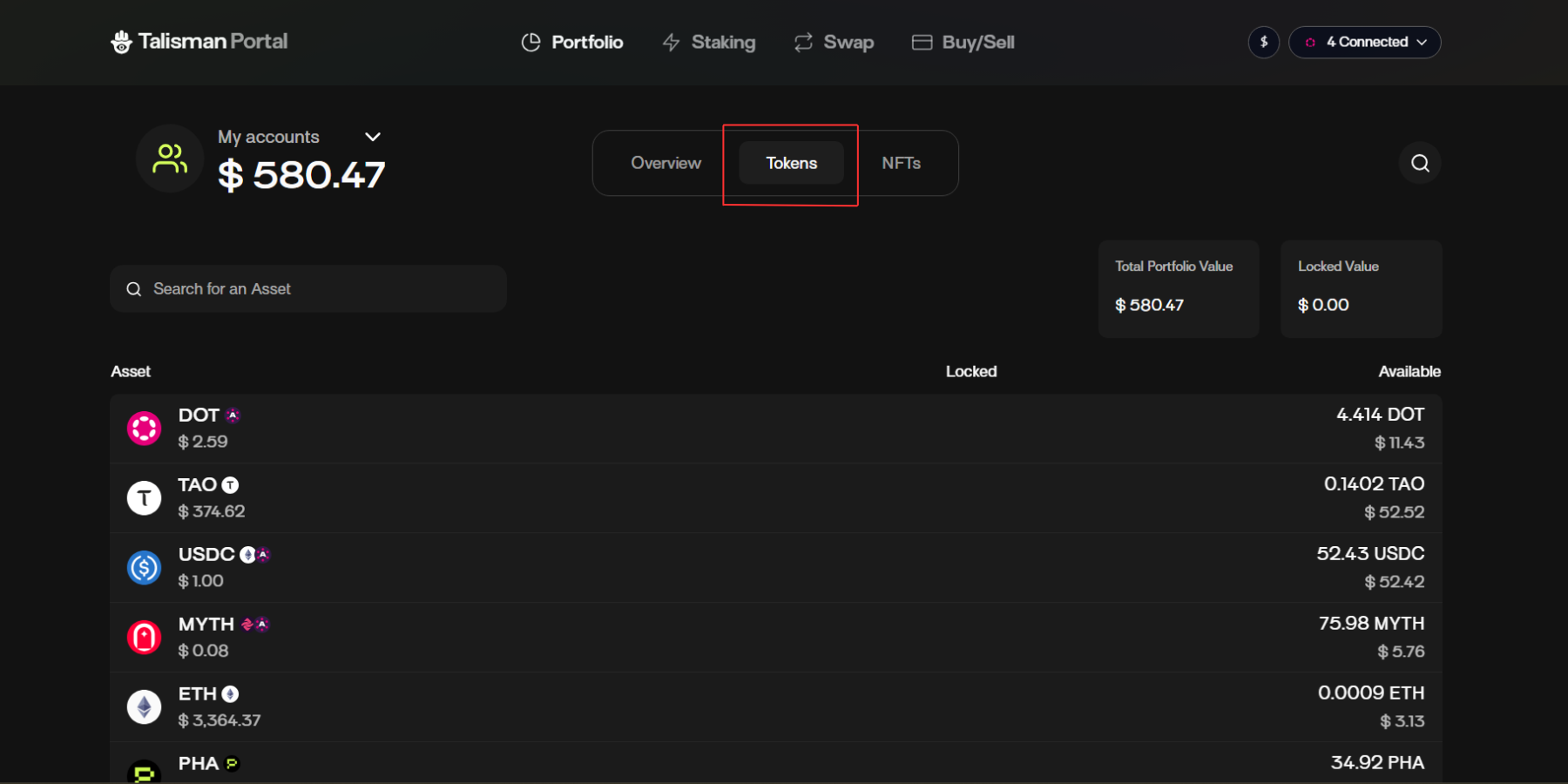
The Tokens view gives you a unified overview of every token you hold across all supported networks and connected accounts. Here you can check your total portfolio value, browse individual token balances, and see which funds are available or locked.
{% endtab %}
{% endtabs %}
#### Staking
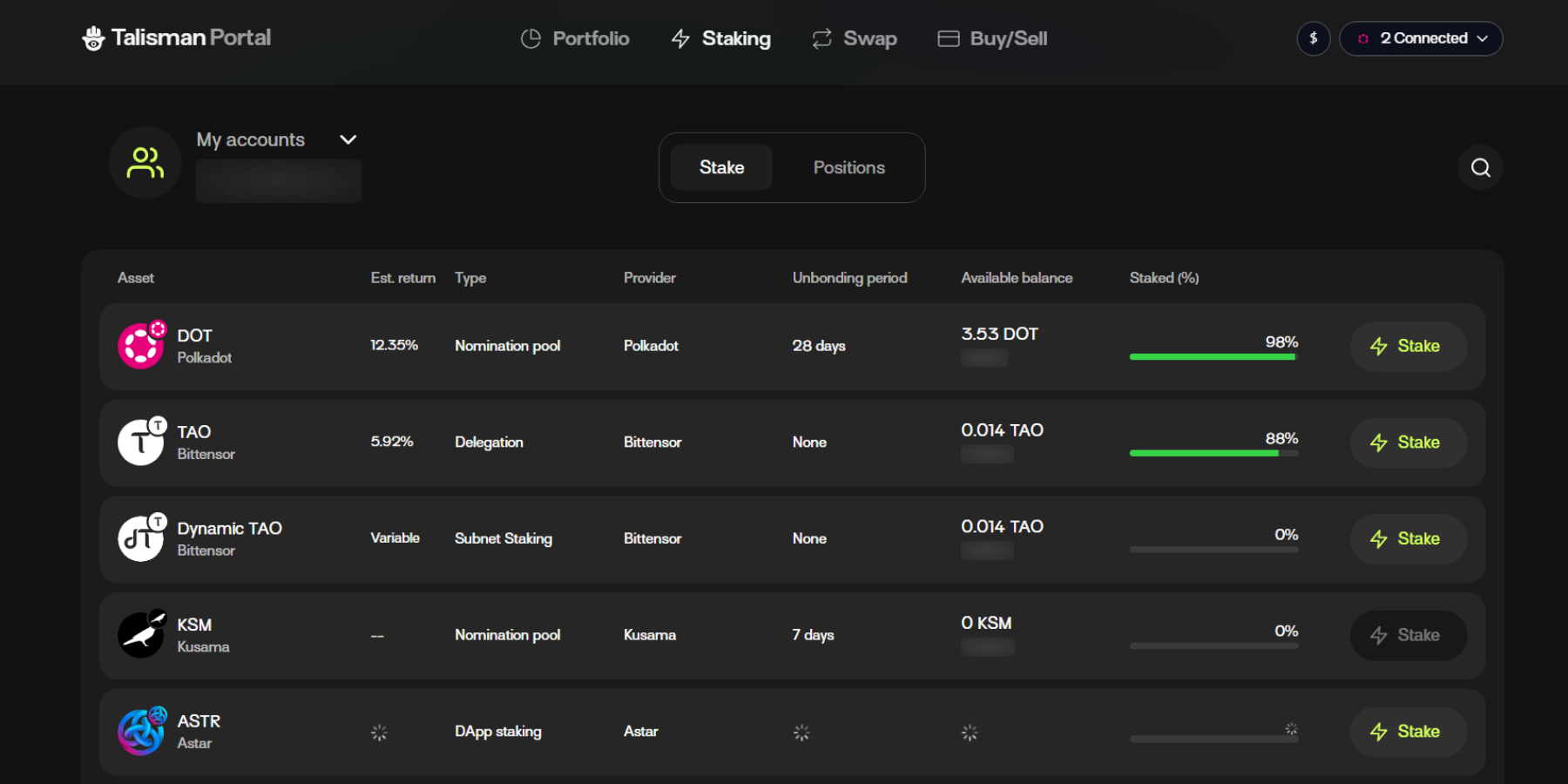
The [Talisman Staking Dashboard ](https://docs.talisman.xyz/talisman/introduction/talisman-portal/talisman-staking-and-delegation)allows you to stake your assets directly from the Talisman Portal. You can view your staking balances, rewards, and validator selections in one place. The dashboard makes it simple to start staking, restake rewards, or make adjustments as your positions grow.
#### Swap
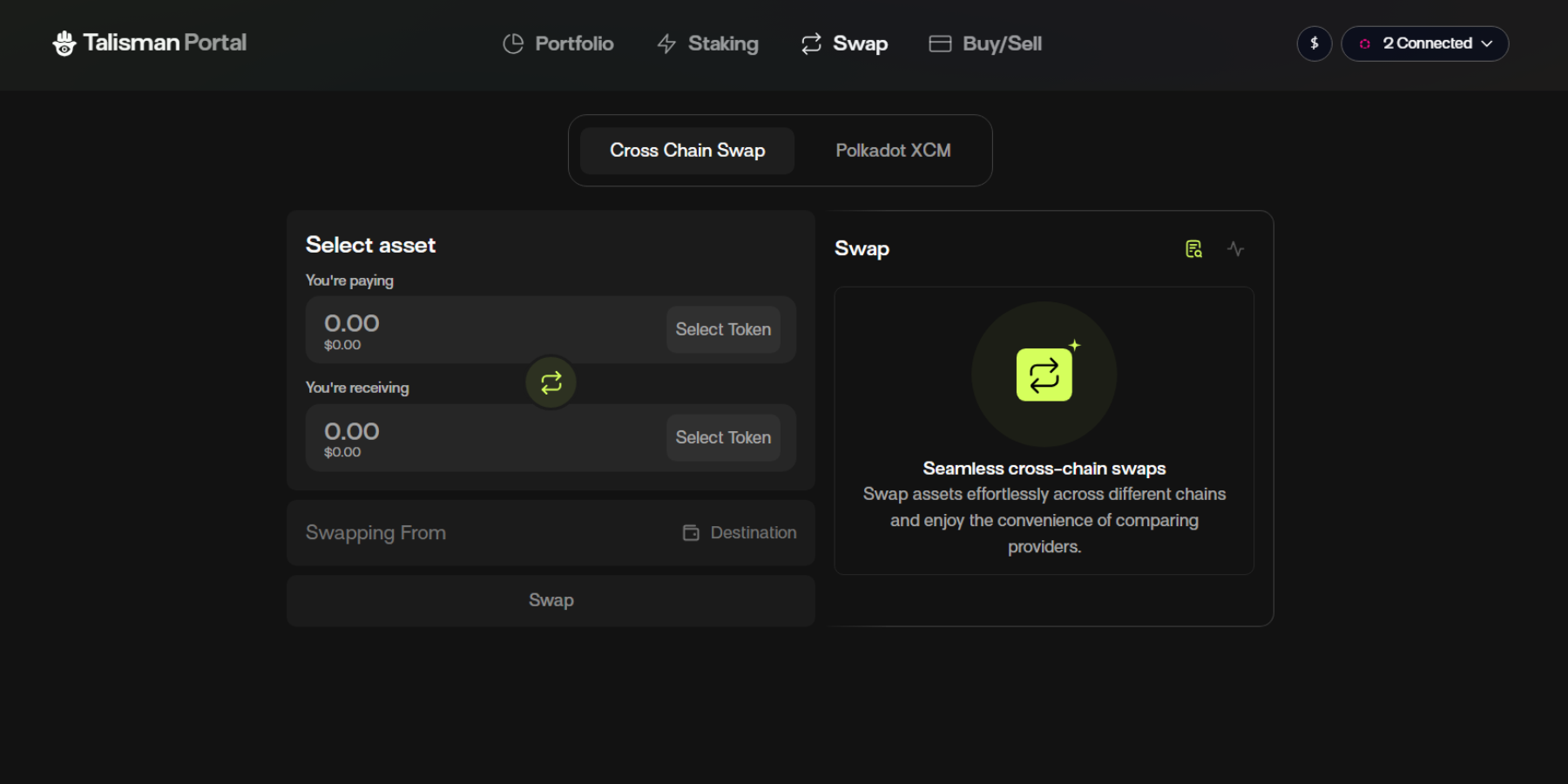
[Talisman’s Cross-Chain Swap](https://docs.talisman.xyz/talisman/introduction/talisman-portal/cross-chain-swaps) feature lets you move assets seamlessly between different blockchains, without needing multiple wallets or manual bridging. The feature is available in both the Talisman Wallet and [Talisman Portal](https://docs.talisman.xyz/talisman/introduction/talisman-portal/talisman-staking-and-delegation). With this feature you can access full potential of multichain liquidity. Learn more about the cross-chain feature in Talisman portal in this article.
#### Buy/Sell
[Buy/Sell](https://docs.talisman.xyz/talisman/introduction/talisman-portal/buy-sell) is a fiat onramp feature to fund your Talisman wallet. You can choose between a variety of crypto assets (example BTC, Ethereum, Solana, Polkadot and much more).
Certain regions may be limited to access this feature.\
\
v 3.1.8