> For the complete documentation index, see [llms.txt](https://docs.talisman.xyz/talisman/llms.txt). Markdown versions of documentation pages are available by appending `.md` to page URLs; this page is available as [Markdown](https://docs.talisman.xyz/talisman/introduction/talisman-portal.md).
# Talisman Portal
An application for viewing and managing your DotSama assets.
In the Talisman Portal you can view your portfolio, swap, stake, and on/off-ramp in one convenient dapp.\
\
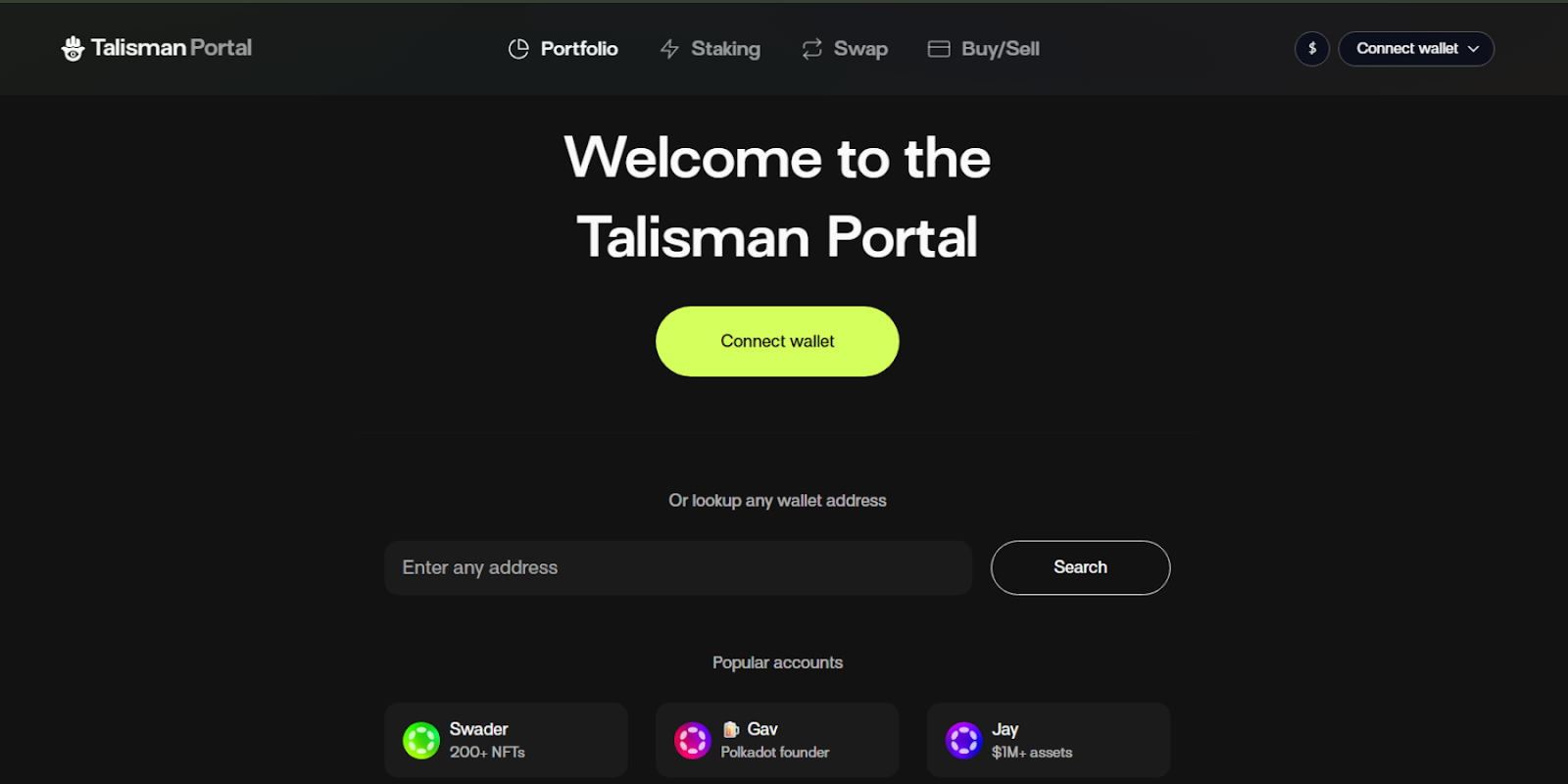
1\. Visit \
\
2\. You will find a button labelled Connect Wallet in the top right of the screen.
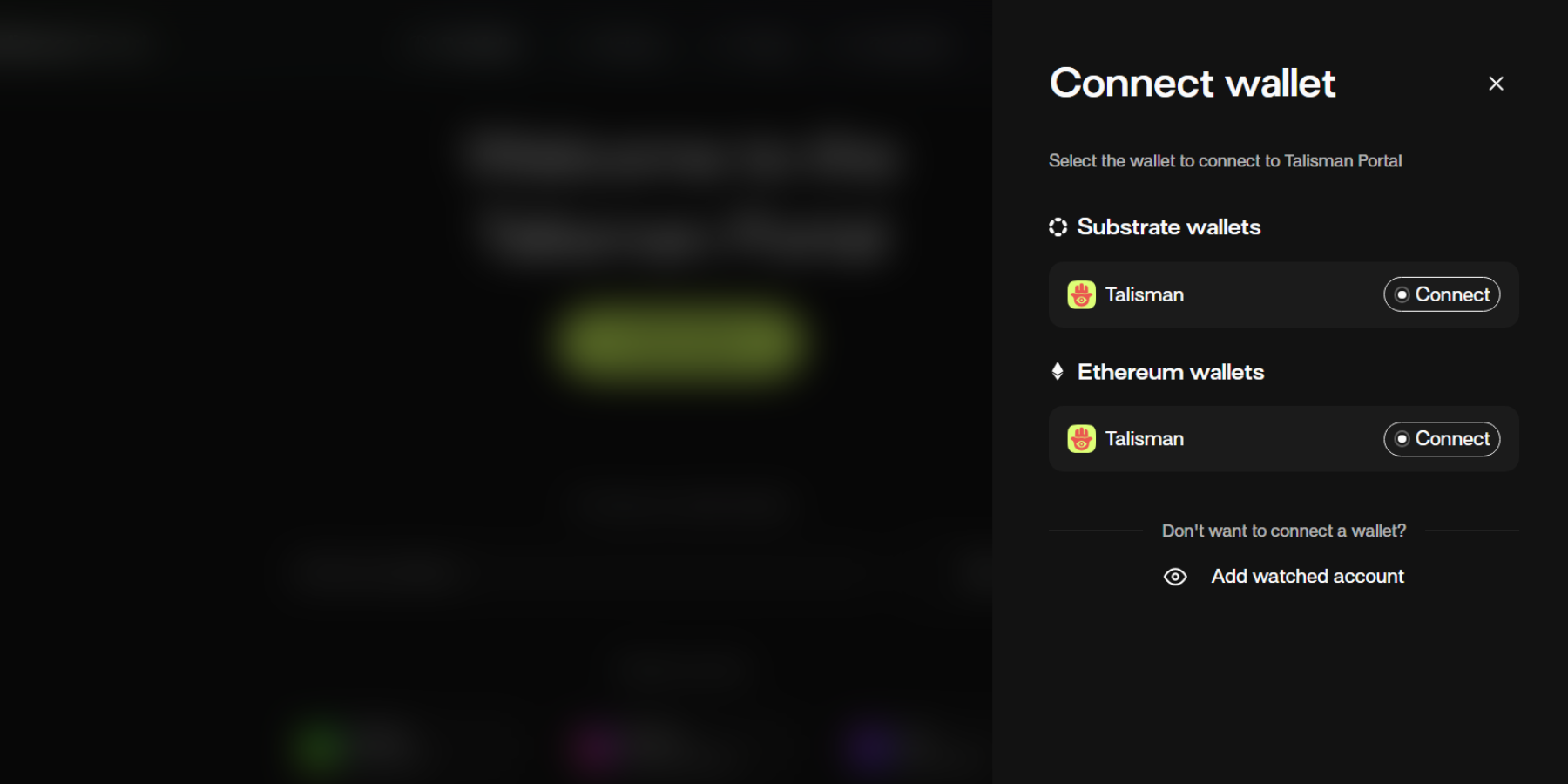
3. Select the wallet you want to use, obviously we recommend Talisman! You’ll need to have your Talisman Wallet enabled.
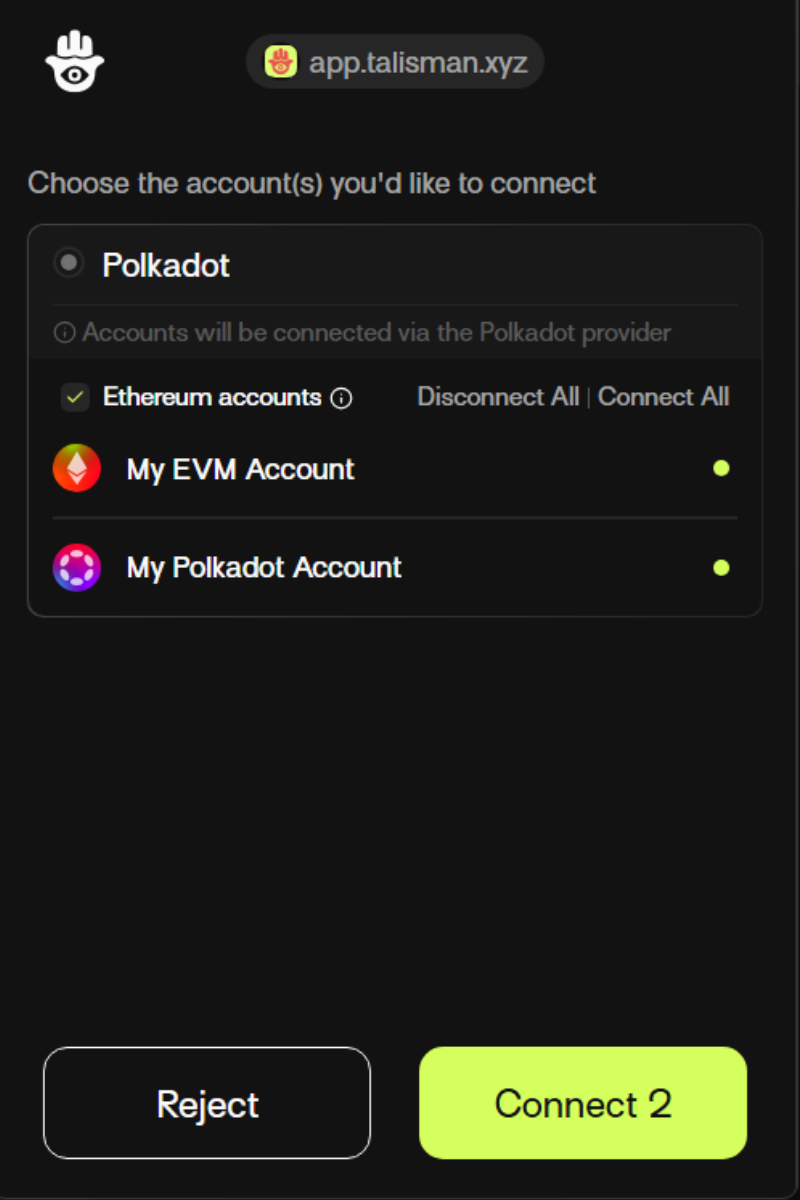
4. If your Talisman wallet is locked, you’ll be prompted to enter your password to unlock it on the popup screen, thereafter select the Talisman accounts you want to connect to the Portal. You may connect multiple Substrate accounts to dapps, but only one EVM account, due to how these network connectors are designed.
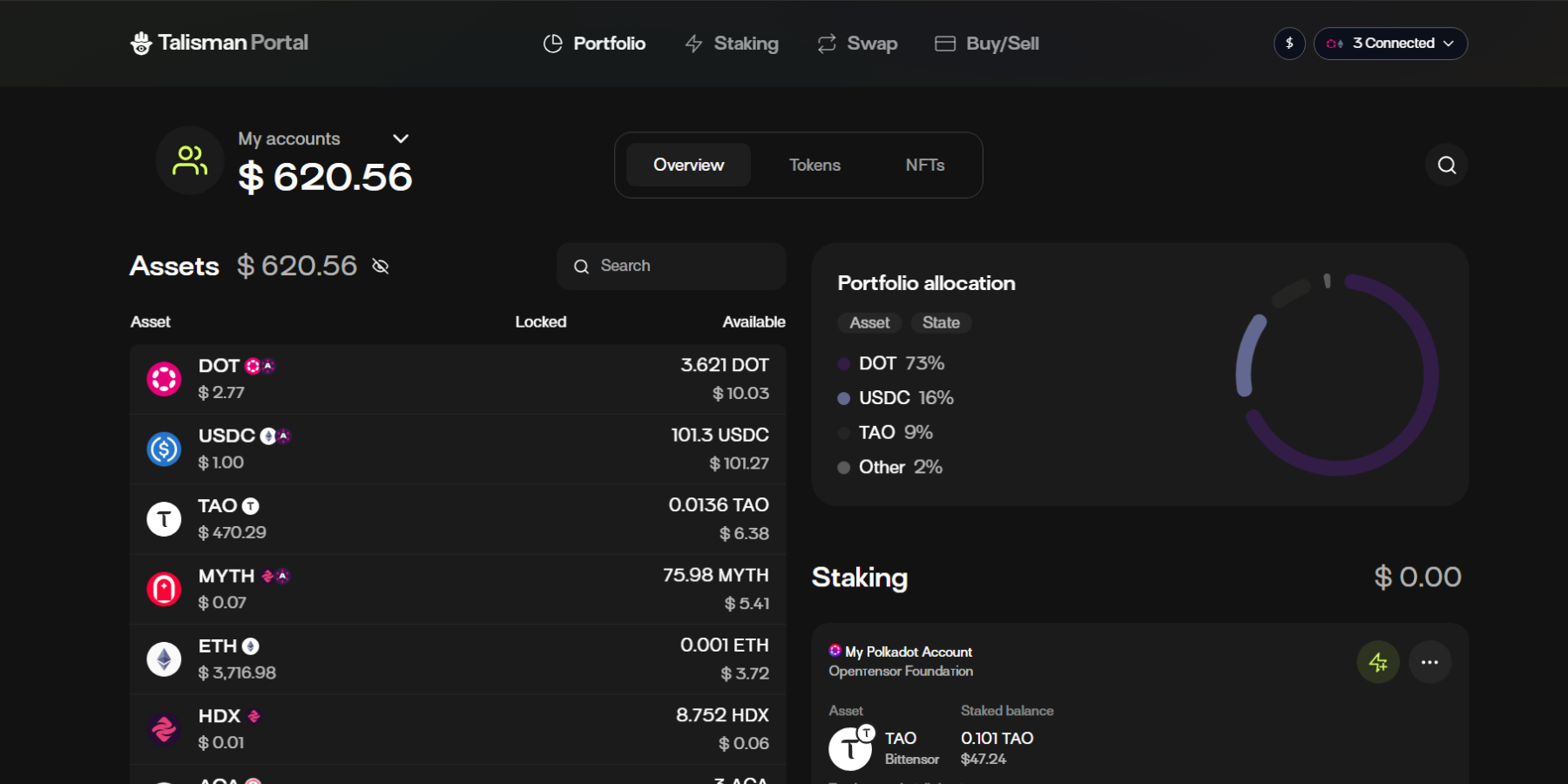
5. Once connected, you can go ahead exploring the current features. You may get an overview of the Portal features [here](https://docs.talisman.xyz/talisman/introduction/talisman-portal/portal-feature-highlights).
You can now safely explore the Paraverse. Check out the following articles.
Portal Feature Highlights\
\ Talisman Staking and Delegation\
\ Cross-chain Swaps\
\ Buy/Sell\
\
v 3.1.8